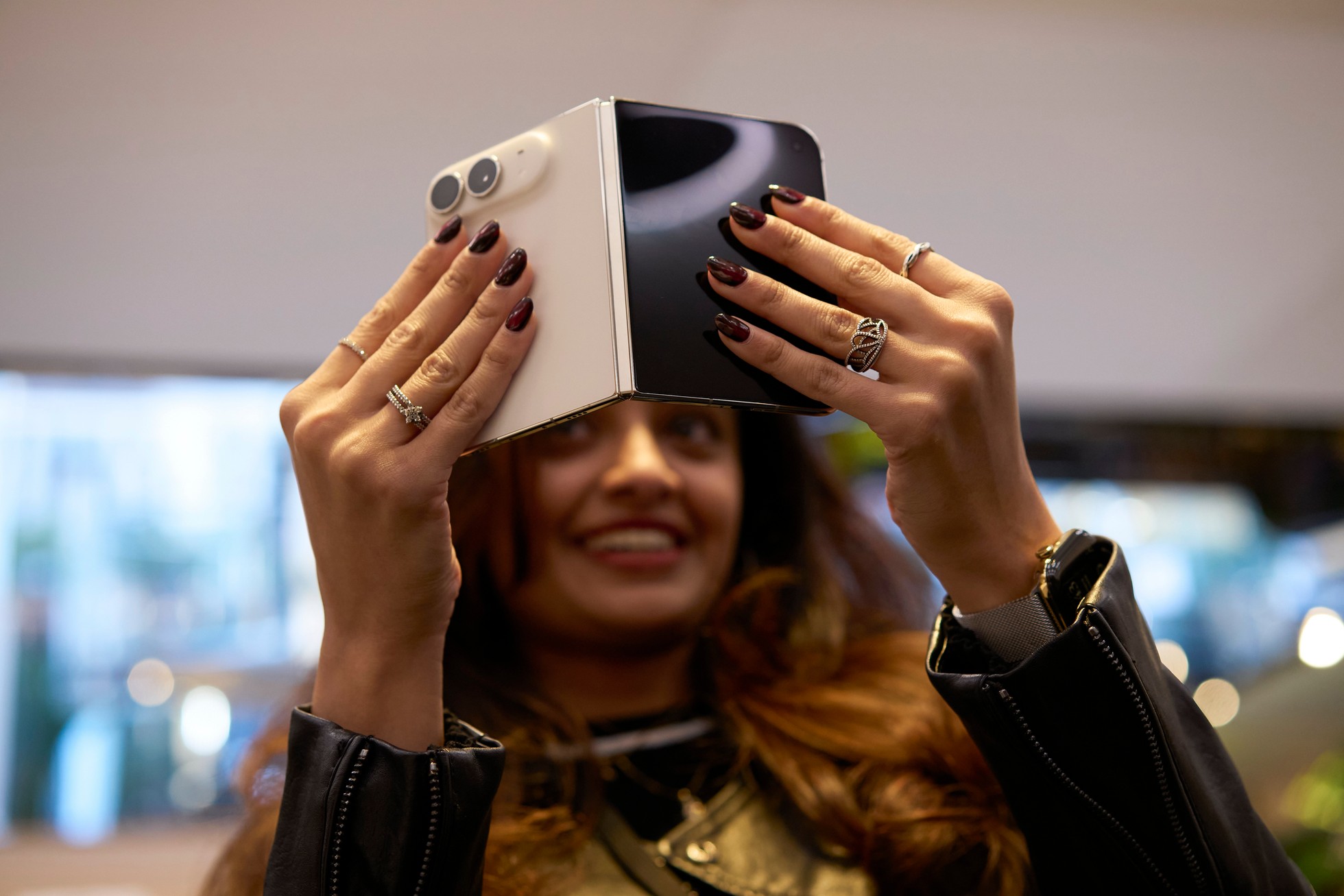
iPhone Duo Edge Light lights up the edges of the Duo's screen so your face is evenly lit on video calls in a dim room, like a ring light built into the display. It arrived with iOS 27.2, it is exclusive to the iPhone Duo, and it works in FaceTime and in third-party apps such as Zoom. The payoff: better lighting on calls without carrying any extra gear. This guide covers how to turn on Edge Light on the iPhone Duo and how its Automatic mode works, based on MacRumors' published steps. iPhone Duo Hub has not tested Edge Light on its own Duo.
Key takeaways
- Edge Light came with iOS 27.2, is exclusive to the iPhone Duo, and is the first time the Mac's Edge Light feature has come to an iPhone, according to MacRumors.
- It lights the borders of the screen to evenly light your face during video calls in low light, like a virtual ring light.
- It works in FaceTime and third-party video calling apps such as Zoom.
- It is only available when the Duo is unfolded, and you turn it on from Control Center during a call.
- An Automatic toggle adjusts brightness to the room; with Automatic off, sliders control intensity and color temperature.
What is Edge Light on the iPhone Duo? A ring light in the display
According to MacRumors, Edge Light is a feature that came to the iPhone Duo with iOS 27.2. It is exclusive to the Duo, and it is the first time the Mac's Edge Light feature has come to an iPhone. It illuminates the borders of the screen to evenly light your face during video calls in low-light conditions, working like a virtual ring light with no external lighting required.
You can enable it in FaceTime and in third-party video calling apps such as Zoom. MacRumors notes that it pairs particularly well with the Duo's ability to stand partially folded for hands-free calls. Our FaceTime guide covers how video calls work on the Duo's two displays and cameras.
Edge Light is one of two Duo features in iOS 27.2; the other is Apple Pencil support.
How to turn on Edge Light on the iPhone Duo
These steps follow MacRumors' how-to, in its order. Edge Light is only available when the Duo is unfolded.
- Update to iOS 27.2 or later. Go to Settings, then General, then Software Update.
- Unfold the Duo and start a video call in FaceTime or a supported video calling app.
- Open Control Center during the call, either by swiping down from the corner of the screen or by pressing the circular status bar.
- Tap the colored call controls bar at the top of Control Center.
- Tap the light bulb button next to Edge Light in the video effects.
For the rest of what changed in the Duo's software this year, see our iOS 27 guide.
Automatic vs manual Edge Light
MacRumors says you will see an Automatic toggle in the Edge Light controls:
- Automatic on: the Duo adjusts the brightness of the light based on the ambient light in the room.
- Automatic off: you adjust the light's intensity and color temperature yourself with sliders.
MacRumors suggests experimenting with these settings to find the best lighting for your call.
Tips
- Unfold first. Edge Light is only available when the Duo is unfolded, so the controls will not appear with the phone closed.
- Stand it partly folded for hands-free calls. MacRumors points out that Edge Light pairs particularly well with the Duo standing partially folded.
- Start the call before looking for the control. The steps begin with an active video call, and Edge Light sits in the video effects you reach from the call controls bar in Control Center. For another way to have the Duo respond when you unfold it, our hinge automations how-to covers the Opened or Closed trigger in Shortcuts.
Frequently asked questions
What is Edge Light on the iPhone Duo?
Edge Light is an iPhone Duo feature, added in iOS 27.2, that illuminates the borders of the screen to evenly light your face during video calls in low light. MacRumors describes it as working like a virtual ring light, with no external lighting required. It is the first time the Mac's Edge Light feature has come to an iPhone.
How do I turn on Edge Light on my iPhone Duo?
Update to iOS 27.2 or later, unfold the Duo, and start a video call in FaceTime or a supported video calling app. During the call, open Control Center, tap the colored call controls bar at the top, then tap the light bulb button next to Edge Light in the video effects, according to MacRumors.
Does Edge Light work in Zoom on the iPhone Duo?
Yes. According to MacRumors, you can enable Edge Light in FaceTime and in third-party video calling apps such as Zoom. Start the call in the app first, then turn Edge Light on from Control Center.
Why do I not see Edge Light on my iPhone Duo?
Check four things, per MacRumors: the phone must be an iPhone Duo, it must be running iOS 27.2 or later, it must be unfolded, and you must be in an active video call. The Edge Light control appears in the video effects after you tap the call controls bar in Control Center during a call.
Sources
- MacRumors, "iPhone Duo: Use Edge Light for Brighter Video Calls," Tim Hardwick, October 27, 2026: what Edge Light is, iOS 27.2 requirement, Duo exclusivity, FaceTime and Zoom support, unfolded only, partially folded hands-free pairing, step-by-step instructions, Automatic toggle and manual sliders.
- Image: Apple.